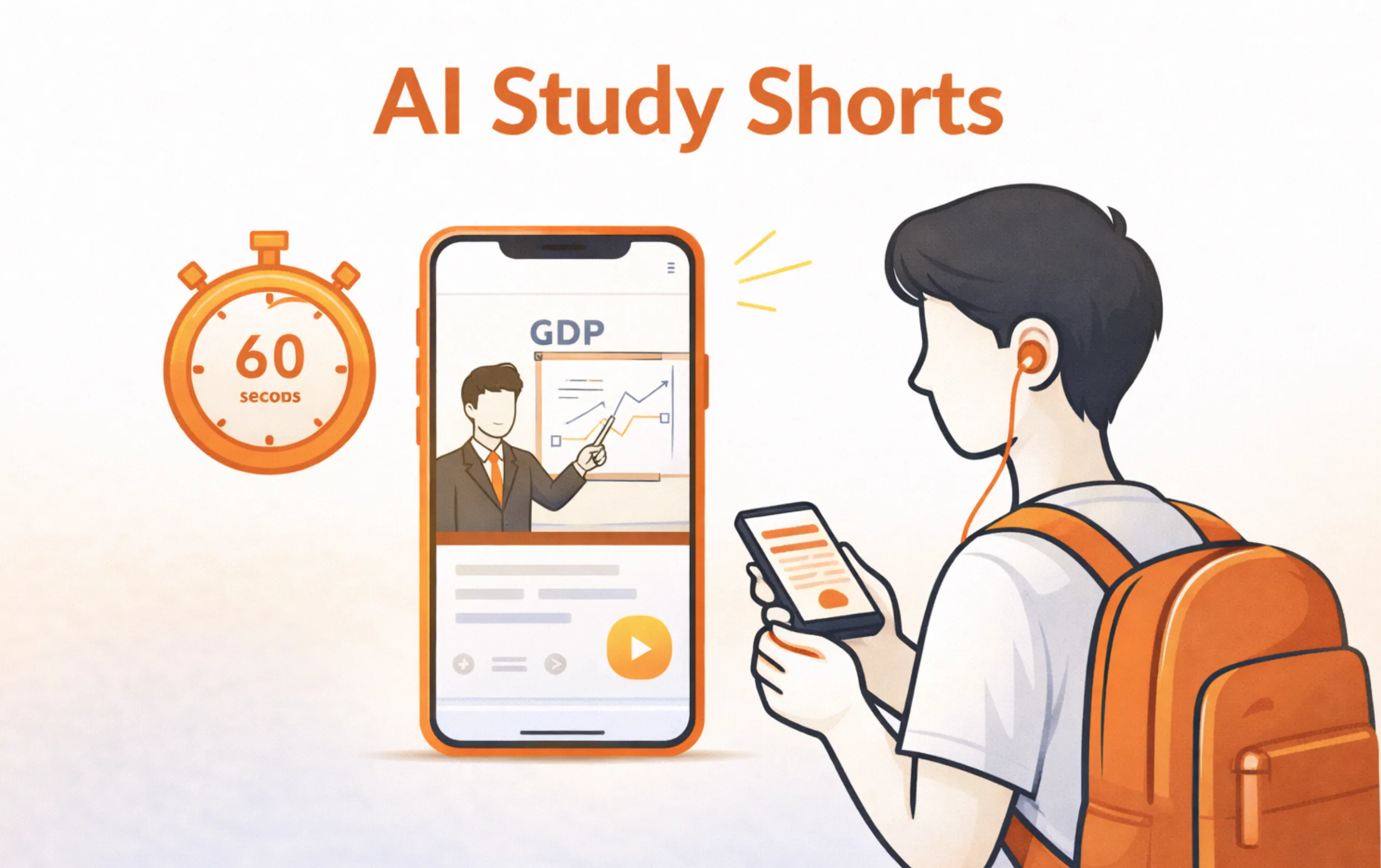
What if you could review an entire chapter in 60 seconds? With AI-powered study shorts, that's exactly what's possible. LectureScribe's Docs-to-Shorts feature transforms your documents, lecture recordings, and handwritten notes into concise, visually engaging video clips designed for maximum retention in minimum time.
Written by Sarah Mitchell
Education Tech Researcher
Sarah specializes in AI-driven learning tools and has spent over 5 years analyzing how technology improves student outcomes. Her research focuses on micro-learning, spaced repetition, and the impact of short-form video content on academic retention.
Quick Summary: AI Study Shorts
- What: 60-second AI-generated video summaries of your study material
- How: Upload docs, PDFs, or recordings to LectureScribe's Docs-to-Shorts
- Why: Micro-learning boosts retention by up to 20% vs. long sessions
- Best For: Exam review, spaced repetition, quick revision, study groups
- Input Types: PDFs, lecture recordings, handwritten notes, slides
- Get Started: Free at lecturescribe.io
Table of Contents
1. The Science of Micro-Learning
Your brain was not designed for hour-long study marathons. Cognitive science research consistently shows that shorter, focused learning sessions produce better long-term retention than extended cramming. This principle, known as micro-learning, is the foundation behind AI study shorts.
A 2024 study published in the Journal of Educational Psychology found that students who reviewed material in segments of 1-3 minutes retained 20% more information after one week compared to students who studied the same material in 30-minute blocks. The reason is straightforward: short bursts of focused content align with how your working memory processes and encodes information.
Why Micro-Learning Works
Attention Span Alignment
Your peak focus lasts 60-90 seconds per concept. Study shorts match this window perfectly.
Spaced Repetition Ready
Short clips are easy to revisit at increasing intervals, strengthening neural pathways.
Reduced Cognitive Load
Smaller chunks prevent information overload and improve encoding to long-term memory.
Mobile-Friendly Learning
Review anywhere: on the bus, between classes, or during a quick break.
The key insight is that frequency beats duration. Watching five 60-second study shorts spread throughout your day is more effective than a single five-minute review. Each viewing triggers a retrieval event, which is the strongest mechanism for cementing knowledge in your memory. This is exactly why LectureScribe designed its Docs-to-Shorts feature around the 60-second format.
2. What Are AI Study Shorts?
AI study shorts are 60-second video summaries automatically generated from your existing study materials. Think of them as the TikTok of studying: concise, visual, and designed to deliver one key concept per clip.
Unlike manually created revision videos that take hours to produce, AI study shorts are generated in under two minutes. You upload your content (a PDF, lecture recording, or even a photo of your handwritten notes), and LectureScribe's AI extracts the most important points, structures them into a logical narrative, and produces a polished short-form video.
What Makes a Study Short
- 60-second duration — One core concept per video, no filler content
- AI-extracted key points — The most testable, important ideas from your material
- Visual + audio format — Engages multiple learning channels simultaneously
- Generated from YOUR notes — Personalized to your course, not generic content
- Shareable — Send to classmates or study groups with one click
The difference between AI study shorts and random YouTube explainers is personalization. These shorts are generated from your specific course material, which means they cover exactly what your professor teaches and exactly what will appear on your exam. No irrelevant tangents, no missing topics.
3. How LectureScribe Creates Study Shorts
LectureScribe's Docs-to-Shorts feature turns the creation process into three simple steps. No video editing skills, no storyboarding, no script writing. Just upload and go.
The 3-Step Docs-to-Shorts Process
Upload Your Content
Drop in a PDF, lecture recording, slide deck, or photo of handwritten notes. LectureScribe accepts all common formats.
AI Extracts Key Points
The AI analyzes your material, identifies the most important concepts, and structures them into a concise script optimized for retention.
Get Your Study Short
In under 2 minutes, you have a polished 60-second video ready to watch, save, or share with your study group.
Behind the scenes, LectureScribe uses advanced natural language processing to rank concepts by importance, filter out redundant information, and create a narrative arc that makes the 60-second format feel complete rather than rushed. The AI also identifies which concepts benefit most from visual representation and adds relevant graphics and text overlays automatically.
Try Docs-to-Shorts Now
Upload any document and get your first AI study short in under 2 minutes. Free to start.
4. Best Use Cases for Study Shorts
AI study shorts are versatile, but they shine brightest in specific scenarios. Here are the situations where 60-second study reviews deliver the most value.
Exam Review
The night before an exam, watch a playlist of study shorts covering every topic. In 30 minutes, you can review 30 different concepts. Far more effective than frantically re-reading notes.
Quick Daily Revision
Watch 3-5 shorts each morning to keep material fresh. This daily micro-review prevents the forgetting curve from erasing what you learned last week.
Topic Summaries
When you finish a chapter or unit, generate a study short as a summary. It becomes your go-to reference for that topic, far faster to revisit than re-reading pages of notes.
Sharing with Classmates
Missed a class? A classmate can share their study short with you. Need to explain a concept to someone? Send them the 60-second version instead of typing a long message.
The common thread is time efficiency. Every use case above replaces a time-intensive study activity with a 60-second alternative that delivers equal or better results. When you use LectureScribe's Docs-to-Shorts, you're not cutting corners; you're studying smarter.
5. Study Shorts vs. Full Video Lectures
Study shorts are not a replacement for full lectures. They serve different purposes in your learning workflow. Understanding when to use each format is key to an effective study strategy.
| Factor | Study Shorts (60s) | Full Video Lectures |
|---|---|---|
| Best For | Review & reinforcement | Initial learning & deep understanding |
| Time Required | 60 seconds per concept | 30-90 minutes per lecture |
| Depth | Key points & core ideas | Detailed explanations & examples |
| Retention | High (focused, repeatable) | Variable (attention drifts) |
| Revisit Frequency | Daily (easy to rewatch) | Rarely (time-intensive) |
| When to Use | After learning, before exams | When encountering new material |
The ideal workflow is: watch the full lecture first to learn the material, then use LectureScribe to generate study shorts from that same lecture for ongoing review. The shorts become your revision tool, while the full recording remains your reference for when you need to go deeper on a specific concept.
This two-layer approach is especially powerful because the study shorts are generated from the same material you originally learned from. There is no gap between what you studied and what you are reviewing.
6. How to Use Shorts in Your Study Routine
Having study shorts is one thing. Using them strategically is what separates average students from top performers. Here is how to integrate 60-second study reviews into a proven study system.
Spaced Repetition with Shorts
Spaced repetition is the gold standard for long-term retention. Pair it with study shorts for a system that practically runs itself:
Day 0: Learn the material
Attend lecture or read the chapter. Upload notes to LectureScribe and generate shorts.
Day 1: First review
Watch the study shorts the next day. This first retrieval is the most critical for memory.
Day 3: Second review
Watch again. The increasing interval forces your brain to work harder to recall, strengthening the memory.
Day 7: Third review
One week later, a quick 60-second rewatch locks the concept into long-term memory.
Pre-exam: Final sweep
Before the exam, run through your full playlist. 30 shorts = 30 minutes = 30 topics reviewed.
Pre-Exam Power Review
The night before an exam, instead of re-reading hundreds of pages of notes, queue up all your study shorts for the course. A typical semester course might have 40-60 shorts, meaning you can do a complete course review in under an hour. Compare that to the 10+ hours it would take to re-read all your notes.
This approach works because the shorts contain only the most important, most testable information. The AI has already done the work of filtering out low-priority details, leaving you with a distilled, exam-ready review.
7. Creating Shorts from Different Content Types
One of LectureScribe's strengths is its ability to process virtually any type of study material. Here is how Docs-to-Shorts handles each format.
PDFs & Documents
Upload textbook chapters, research papers, or study guides. The AI identifies section headings, key definitions, and critical concepts to create focused shorts.
Best for: Textbook reviews, research summaries, syllabus-based studying
Lecture Recordings
Drop in an audio or video recording of your lecture. LectureScribe transcribes it, extracts the key points your professor emphasized, and generates shorts from the most important segments.
Best for: Missed classes, reviewing professor-specific content, exam-focused material
Handwritten Notes
Snap a photo of your handwritten notes. LectureScribe's OCR technology reads your handwriting, extracts the content, and creates shorts. Works with most handwriting styles and languages.
Best for: Students who prefer writing by hand, in-class notes, whiteboard captures
Slide Decks & Presentations
Upload PowerPoint or PDF slides from your professor. The AI reads each slide, understands the progression of ideas, and condenses them into a short that captures the narrative of the entire presentation.
Best for: Lecture slide review, presentation preparation, visual-heavy courses
Regardless of the input format, the output is the same: a clean, focused 60-second video that captures the essence of your material. This flexibility means you can build a unified library of study shorts across all your courses, no matter how your professors deliver content.
9. Tips for Maximizing Retention with Shorts
Study shorts are effective on their own, but these strategies will help you extract even more value from each 60-second clip.
Pause and Predict
Before watching a short, try to recall what the topic is about. Then watch to check your recall. This active retrieval practice strengthens memory far more than passive viewing.
Watch Without Sound First
Try watching the visual elements without audio and narrate the concept yourself. Then rewatch with sound. This dual encoding technique dramatically improves retention.
Pair with Flashcards
Use LectureScribe's flashcard feature alongside shorts. Watch the short for context, then test yourself with flashcards. The combination covers both recognition and recall.
Teach from the Short
After watching a short, explain the concept to a friend or even to yourself out loud. The Feynman Technique works perfectly with the concise format of study shorts.
Build Topic Playlists
Organize your shorts by topic or unit, not by date. When reviewing for an exam, you can watch all shorts for a specific unit in sequence for a focused review.
Review at Different Times
Watch shorts at varied times of day: morning, afternoon, before bed. Context variation strengthens memory by creating multiple retrieval cues for the same information.
10. Frequently Asked Questions
What are AI study shorts?
AI study shorts are 60-second video clips automatically generated from your study materials. LectureScribe's Docs-to-Shorts feature uses AI to extract the most important concepts from your notes, PDFs, or lecture recordings and turns them into concise, visually engaging short-form videos perfect for quick review sessions.
How long does it take to create a study short?
LectureScribe generates a study short in under 2 minutes. Simply upload your document, PDF, or lecture recording, and the AI automatically extracts key points, structures the content, and produces a 60-second video summary. No editing or video skills required.
Can I create study shorts from handwritten notes?
Yes. LectureScribe can process photos of handwritten notes using OCR (optical character recognition) technology. Simply scan or photograph your handwritten notes, upload them, and the AI will extract the text and generate a study short from the content.
Are study shorts effective for exam preparation?
Research on micro-learning shows that short, focused content segments improve retention by up to 20% compared to longer study sessions. Study shorts leverage the spacing effect and active recall principles, making them highly effective for exam review, especially when used alongside other study methods like flashcards and practice tests.
Can I share study shorts with my classmates?
Absolutely. LectureScribe makes it easy to share study shorts with classmates and study groups. You can share via direct link, export the video file, or collaborate within LectureScribe's platform. This makes group study sessions more productive and helps everyone review key concepts quickly.
How many study shorts can I create for free?
LectureScribe offers a free tier that lets you create study shorts to try the feature. For unlimited shorts and access to advanced features like batch processing and custom branding, you can upgrade to a premium plan. Visit lecturescribe.io to get started for free.
Ready to Turn Your Notes into Study Shorts?
Upload any document, lecture recording, or photo of your notes. Get your first AI study short in under 2 minutes.
Related Articles
Get Started with LectureScribe
Sign up free and start turning your study materials into AI-powered shorts, flashcards, and summaries.
Browse All Study Guides
Explore our full library of AI study tips, exam strategies, and learning guides for every subject.
AI Flashcard Maker
Create flashcards instantly from any lecture, textbook, or notes using AI. Perfect alongside study shorts.
Best AI Study Apps for Students 2026
Complete guide to the top AI-powered study tools for academic success this year.