10 Free Back-to-School Apps Every Student Needs in 2026
Back-to-school spending is at a record high, but the best student software is genuinely free to start — if you know what each free tier actually includes. Here are the free back to school apps worth installing before the first lecture, with the honest catch behind every one.
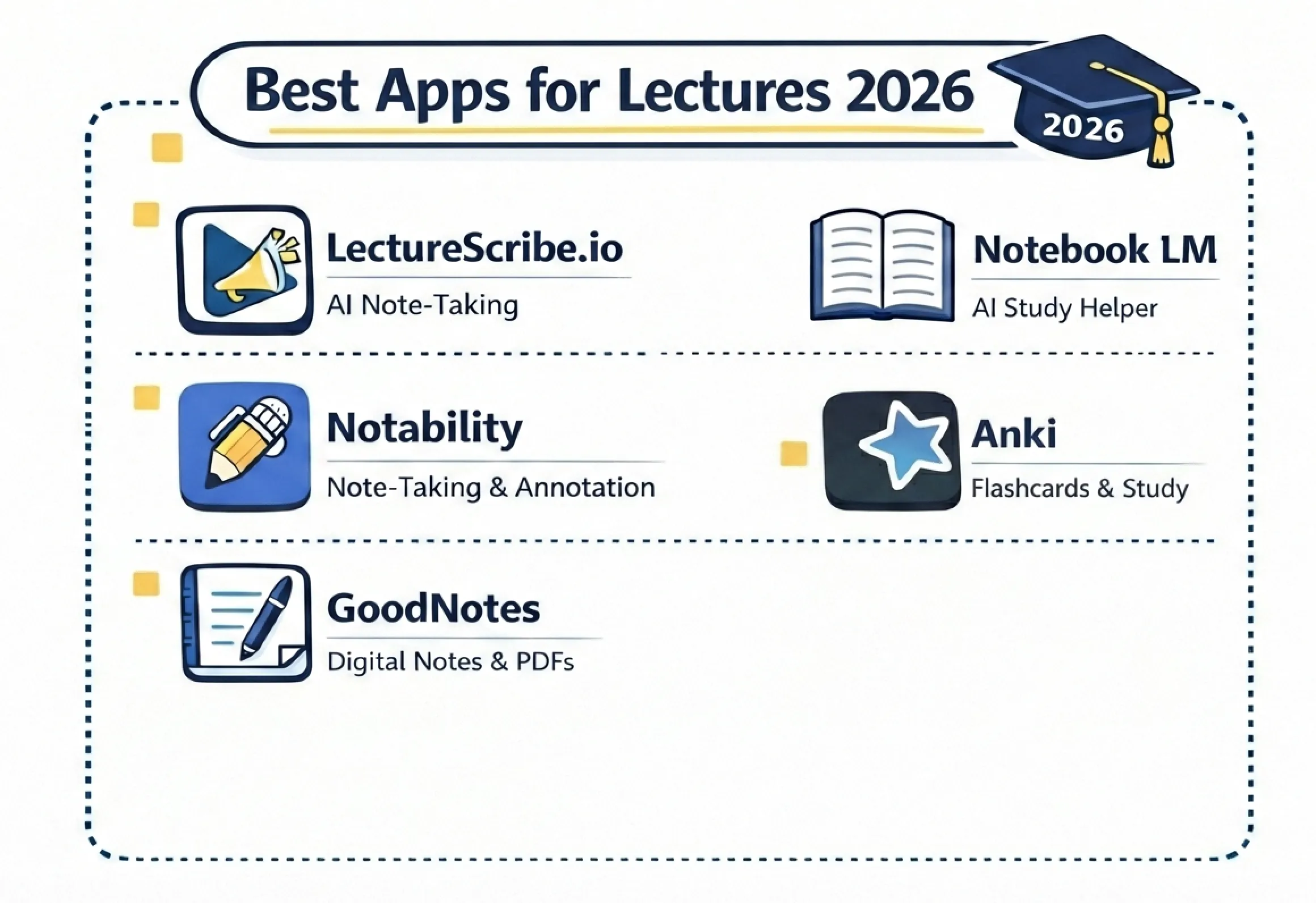
Written by Sarah Mitchell — Education Tech Researcher. Sarah has spent the last decade studying how students capture, organize, and retain course material, and has tested note-taking workflows with hundreds of undergraduates across STEM and humanities programs.
Key Takeaways
- The National Retail Federation projects a record $43.3 billion in back-to-school spending for 2026 — but your software stack can cost $0.
- Free tiers are now table stakes: per Gallup and Lumina's 2026 research, 57% of college students use AI weekly, mostly through free plans.
- Every "free" app has a catch — ads, feature paywalls, or setup time. Knowing the catch up front is what makes a free stack work.
- You only need four apps to cover the whole semester: one capture tool, one review tool, one calendar, one focus timer.
- LectureScribe's free plan covers the full lecture-to-flashcards workflow, so you can test the entire system before spending anything.
Record Spending, Free Software: The 2026 Paradox
The National Retail Federation projects back-to-school spending will hit a record $43.3 billion in 2026, and a growing slice of that goes to subscriptions students never fully use. Here is the strange part: while backpacks and laptops keep getting pricier, the software side of student life has never been cheaper. The best study tools in 2026 are genuinely free to start — free AI tiers are now table stakes, with Gallup and Lumina's 2026 research finding that 57% of college students use AI weekly. No company can charge at the door anymore.
The trap is that "free" means ten different things. Some apps are free forever with every feature (Khan Academy, Anki on desktop). Some are free tiers designed to convert you (Quizlet, Notion, Grammarly). Some are free because you are already in the ecosystem (Google Calendar, Drive, NotebookLM). This list tells you, for each of the ten best free student apps, exactly what you get without paying, what the catch is, and who it is best for. For the broader paid-vs-free picture, our comparison of free vs paid AI study tools in 2026 goes deeper.
1. LectureScribe — Free AI Notes, Flashcards, and Quizzes From Your Lectures
What you get free: LectureScribe's free plan lets you upload lecture recordings, PDFs, or photos of handwritten notes and get back AI-generated notes, AI flashcards, and practice quizzes — the complete capture-to-review workflow, not a stripped-down preview. That matters because the whole point of an AI study tool is the loop: record a lecture, get study material, review it. The free plan lets you run that loop end to end and decide whether it fits how you study.
The catch: honesty time — heavy users outgrow it. If you are uploading multiple lectures a week across four or five courses, you will hit the free limits and need a paid plan. But that is the right order of operations: prove the workflow works for you first, pay only when the volume justifies it. Best for: any student who records lectures or photographs notes and wants review material generated automatically instead of typed by hand.
2. Google Calendar — The Free Scheduling Backbone
What you get free: everything. Unlimited calendars, color-coding per course, recurring events for every lecture and lab, reminders, tasks, and appointment scheduling — all synced across phone and laptop. Build one calendar per course plus a "deadlines" calendar, and your whole semester becomes visible at a glance. The catch: there barely is one; Google Calendar is free because it anchors you to the Google ecosystem, and it does nothing to make you actually study — it only tells you when. Best for: literally every student; a calendar habit is the cheapest GPA insurance there is, and it is the spine of the back-to-school study routine we recommend building in week one.
3. Google Drive — 15GB of Free Course Storage
What you get free: 15GB of storage plus the full Docs, Sheets, and Slides suite, with real-time collaboration that makes group projects survivable. One folder per course, consistent file names, and every syllabus, PDF, and essay lives in one searchable place. Many schools provide expanded storage through education accounts, so check yours before paying for anything. The catch: the 15GB is shared with Gmail and Google Photos, so a phone that auto-backs-up photos can quietly eat your coursework space. Best for: students who lose files — which, in our experience, is students.
4. NotebookLM — Google's Free Research Companion
What you get free: NotebookLM is free for students, and Google's 2026 back-to-school push made it hard to miss — the company bundled free AI plans for students and rolled NotebookLM class notebooks into Google Classroom. Upload your readings and it answers questions grounded in those sources, generates summaries, and produces its well-known audio overviews. For reading-heavy courses it is genuinely excellent. The catch: it is a source-chat tool more than a study-material generator — it will not build you a spaced-repetition flashcard system or track what you have mastered, and free usage has daily caps. Best for: humanities and social science students drowning in PDFs who need to interrogate readings quickly.
5. Anki — The Free Spaced-Repetition Powerhouse
What you get free: the whole thing. Anki is completely free on desktop (Windows, Mac, Linux) and Android, with free sync through AnkiWeb, and its spaced-repetition algorithm remains the gold standard for long-term retention. Medical students have run on it for a decade for a reason. The catch: setup time, and it is not a small one. Making good cards is a skill, deck management is a chore, and the volume compounds — in an Indiana University study of medical students using Anki, 65.7% reported feeling overwhelmed by the volume of cards. (The official iOS app is also a one-time paid purchase that funds development.) The modern workaround is generating cards automatically and letting Anki do the scheduling — our breakdown of Anki vs Quizlet vs AI flashcard makers covers exactly when that hybrid approach wins. Best for: disciplined students with memorization-heavy courses — anatomy, languages, law — who will actually maintain their decks.
6. Quizlet Free Tier — Still Useful, Increasingly Gated
What you get free: creating and studying flashcard sets, basic study modes, and access to millions of user-made sets — still the fastest way to find a ready-made deck for a standard textbook chapter. The catch: the free tier has been shrinking for years. Key features moved behind Quizlet Plus: unlimited Learn mode rounds, practice tests, and an ad-free experience are now paid, and the ads on free accounts are hard to ignore. What was once the default free flashcard app is now closer to a trial with a long fuse. Best for: students who mainly consume existing decks and do light review — if you want deeper study modes without the subscription, that is where free AI tools have overtaken it.
7. Khan Academy — Fully Free, No Asterisk
What you get free: everything, forever. Khan Academy is a nonprofit, and its full library of video lessons, practice exercises, and mastery tracking — from algebra through AP courses, SAT prep, and college-level math and science — costs nothing and shows no ads. When a lecture loses you, a ten-minute Khan video usually finds you again. The catch: it teaches general curriculum, not your course — it cannot tell you what your professor emphasized or generate review material from your own notes. Best for: filling conceptual gaps in math and science, and for high schoolers it pairs naturally with the tools in our back-to-school apps for high school guide.
8. Forest and Free Pomodoro Alternatives — Focus Without a Subscription
What you get free: the pomodoro technique itself is free — 25 minutes of focus, 5 minutes of break — and plenty of apps implement it without charging. Forest (free on Android with ads, a small one-time price on iOS) makes staying off your phone a game: a virtual tree grows while you focus and dies if you bail. Free alternatives like Focus To-Do, Pomofocus in the browser, or your phone's built-in focus modes do the same job with zero spend. The catch: a timer cannot supply discipline; it only makes the deal with yourself visible, and the gamified apps push cosmetic upgrades. Best for: students whose main study problem is the phone sitting next to the textbook — which is most students.
9. Grammarly Free — A Second Pair of Eyes on Every Essay
What you get free: real-time spelling, grammar, and punctuation checking plus basic tone detection, working across your browser, Google Docs, and email. For catching the typos that cost easy points on essays and lab reports, the free tier does the job. The catch: the higher-value suggestions — full-sentence rewrites, clarity and fluency improvements, plagiarism checking — sit behind Premium, and the app reminds you of that often. Best for: every student who submits written work, with one caution: accept suggestions you understand, or your writing voice slowly becomes Grammarly's.
10. Notion — A Free Personal HQ for Your Semester
What you get free: Notion's personal plan is free with unlimited pages and blocks, and students with a school email get Plus features free. Build a semester dashboard — course pages, assignment databases, reading trackers — and keep everything interlinked in one place. The catch: Notion is a workshop, not a worker. It is famously easy to spend a full weekend building a beautiful dashboard and call it studying; the tool organizes knowledge but does nothing to help you retain it. Best for: organized (or aspiring-to-be-organized) students who want one home for planning — paired with an actual review tool that does the memory work.
The Free Stack: Four Apps That Cover the Whole Semester
Ten apps is a list; four is a system. Installing everything above guarantees only that your home screen looks busy. What actually carries a semester is one app per job, with no overlap:
| Job | Pick | Why |
|---|---|---|
| Capture | LectureScribe (free plan) | Turns lectures and notes into study material automatically |
| Review | Anki (or LectureScribe decks) | Spaced repetition is the highest-evidence study method |
| Calendar | Google Calendar | Every deadline visible, zero cost, zero excuses |
| Focus | Any free pomodoro timer | Protects the study time the other three apps schedule |
Add the rest only when a real need shows up: NotebookLM when a reading-heavy course lands, Grammarly when essays start, Notion if your planning outgrows the calendar. Starting minimal is not a compromise — it is the reason the system survives past October. For the full landscape beyond free tiers, see our complete roundup of the best back-to-school apps for 2026.
Frequently Asked Questions
What are the best free apps for students?
The strongest free stack in 2026 combines one capture-and-review tool (LectureScribe or NotebookLM), one flashcard app (Anki or Quizlet free), Google Calendar for scheduling, Google Drive for storage, Khan Academy for free instruction, a free pomodoro timer for focus, and Grammarly free plus Notion for writing and organization. Every one of these has a genuinely usable free tier.
Is LectureScribe free?
Yes, LectureScribe has a free plan. You can upload lecture recordings, PDFs, or photos of notes and get AI-generated notes, flashcards, and quizzes, so you experience the full capture-to-review workflow without paying. Heavy users who upload many lectures every week will eventually outgrow the free limits and can upgrade, but the free plan is a real working tier, not a locked demo.
Is Anki really free?
Anki is completely free on desktop (Windows, Mac, Linux) and Android, including sync via AnkiWeb. The official iOS app is a one-time paid purchase that funds development. The real cost of Anki is time: making good cards and managing decks takes real effort, and in an Indiana University study of medical students, 65.7 percent reported feeling overwhelmed by the volume of cards.
What happened to Quizlet's free features?
Over the past few years Quizlet moved several formerly free features — most notably unlimited Learn mode, practice tests, and an ad-free experience — behind its paid Quizlet Plus subscription. The free tier still lets you create, study, and browse flashcard sets, but expect ads and caps on the smarter study modes.
Do free study apps sell your data?
It varies by app, which is exactly why it is worth checking. Some free apps are funded by paid upgrades, some by ads, and ad-funded models generally involve more data collection. Before uploading coursework, skim the privacy policy for whether data is sold or shared with advertisers, and prefer tools with education-specific privacy commitments and clear data-export or deletion options.
Start the Semester With a $0 Stack
A record-spending year is exactly the right moment to notice what does not need to cost anything. Pick your four-app stack, set it up before the first lecture, and let the free tiers prove themselves before a single subscription touches your card.
Turn your first lecture into a complete study set — free
Upload a lecture recording, PDF, or a photo of your notes and LectureScribe generates AI notes, flashcards, and quizzes in seconds. Join 25,000+ students studying smarter. Free to start.
Try LectureScribe free →Want to keep comparing? See how the flashcard maker fits into a complete workflow, or read our full roundup of the best back-to-school apps for 2026.