How to access your activity timeline and track study progress
Quick Answer:
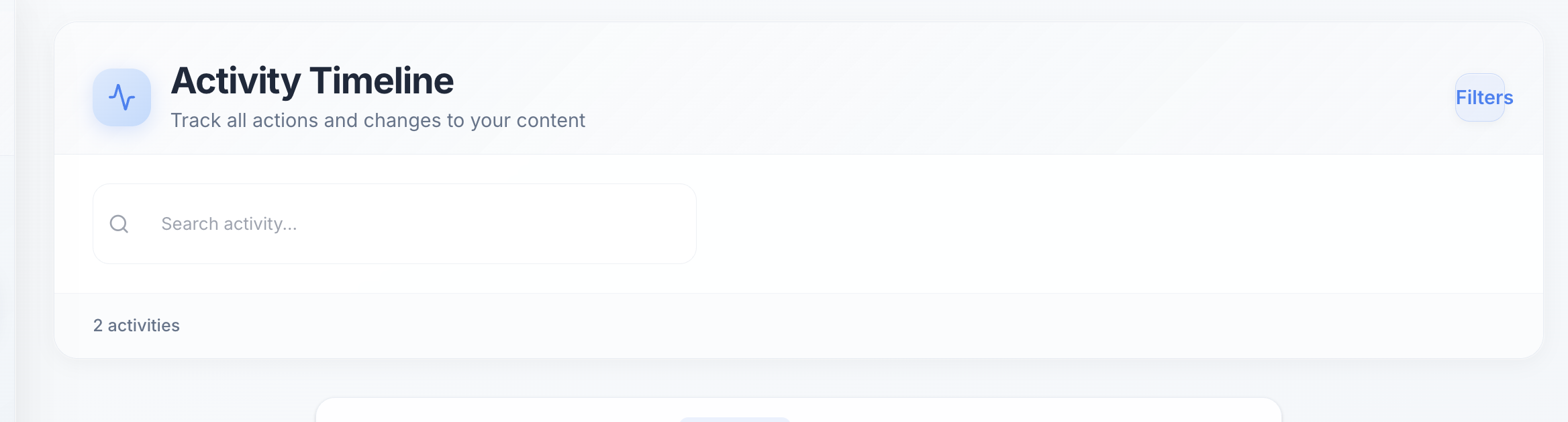
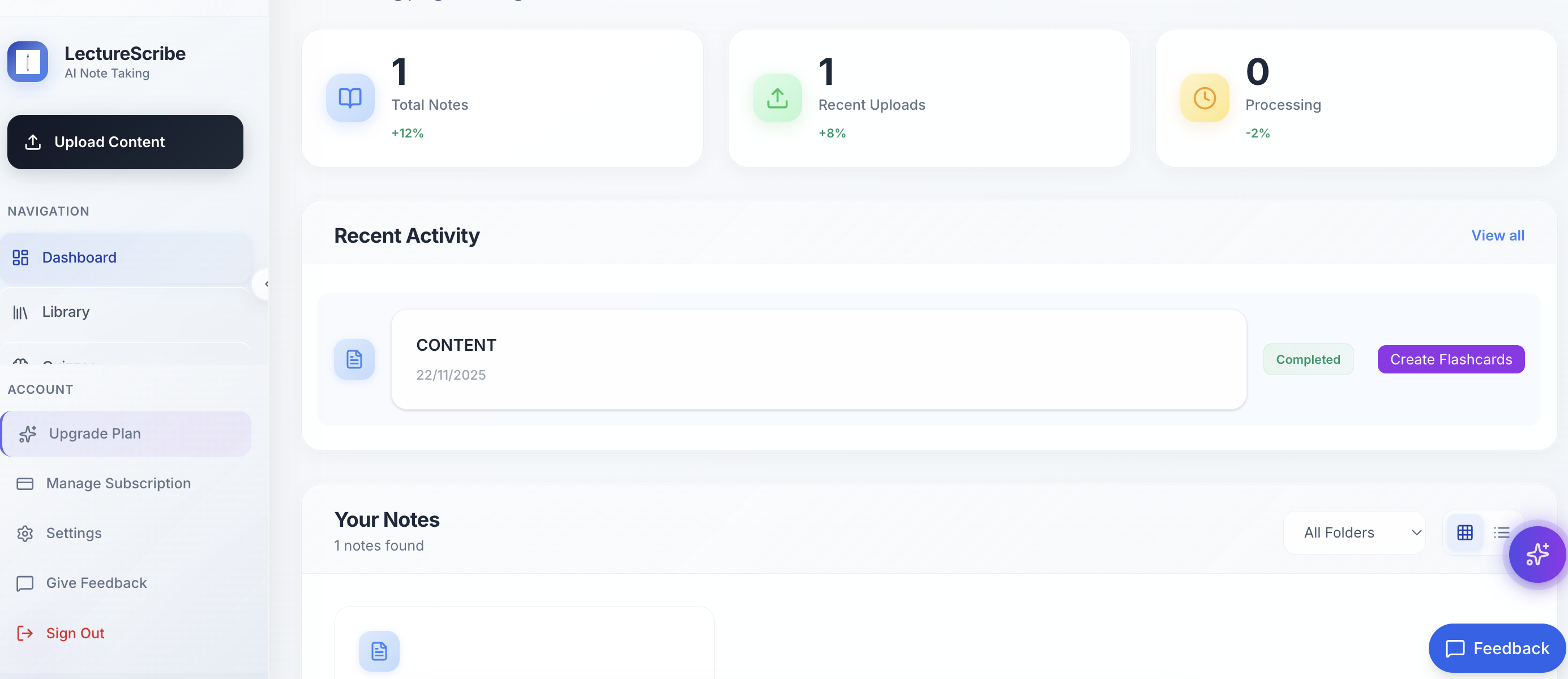
Access your activity timeline in the LectureScribe dashboard to see all lectures transcribed, notes uploaded, flashcards created, and quizzes completed. Track your study patterns over time and monitor your progress throughout the semester with detailed analytics.
Access your activity timeline in the LectureScribe dashboard to see all lectures transcribed, notes uploaded, flashcards created, and quizzes completed. Track your study patterns over time and monitor your progress throughout the semester with detailed analytics.
How This Helps Students
LectureScribe provides students with powerful AI tools to enhance their learning experience. This feature is designed specifically for college and university students who need efficient, accurate study materials.
Getting Started
To use this feature:
- Sign up for a free LectureScribe account (free to start)
- Upload your lecture recordings, notes, or handwritten content
- Let our AI process and generate study materials
- Review, edit, and export your materials in any format
Helpful Resources
Related Questions
How to give feedback and suggest new features
Share feedback directly in the LectureScribe dashboard by clicking the feedback button. Tell us what features you'd like to see, report bugs, or suggest improvements. We read every submission and prioritize features based on student requests.
How to record lectures on iPhone and transcribe automatically
Record lectures using iPhone Voice Memos or any recording app, then upload the M4A file to LectureScribe for automatic transcription. The AI handles iPhone audio formats perfectly, processing a 60-minute lecture in under 3 minutes with 98% accuracy. Works with all iPhone models (iPhone 11+).
How LectureScribe's multimodal AI processes audio and video
LectureScribe uses multimodal AI to process audio and video content—upload up to 11 hours of audio in one file. The AI handles lectures, Zoom recordings, podcasts, and study sessions. Works with MP3, M4A, MP4, WAV formats, and automatically detects multiple speakers.