Create Infographics from
Your Lectures in Minutes
Transform complex lecture content into beautiful, shareable infographics. Upload audio, notes, or PDFs and let AI create visual study guides instantly.
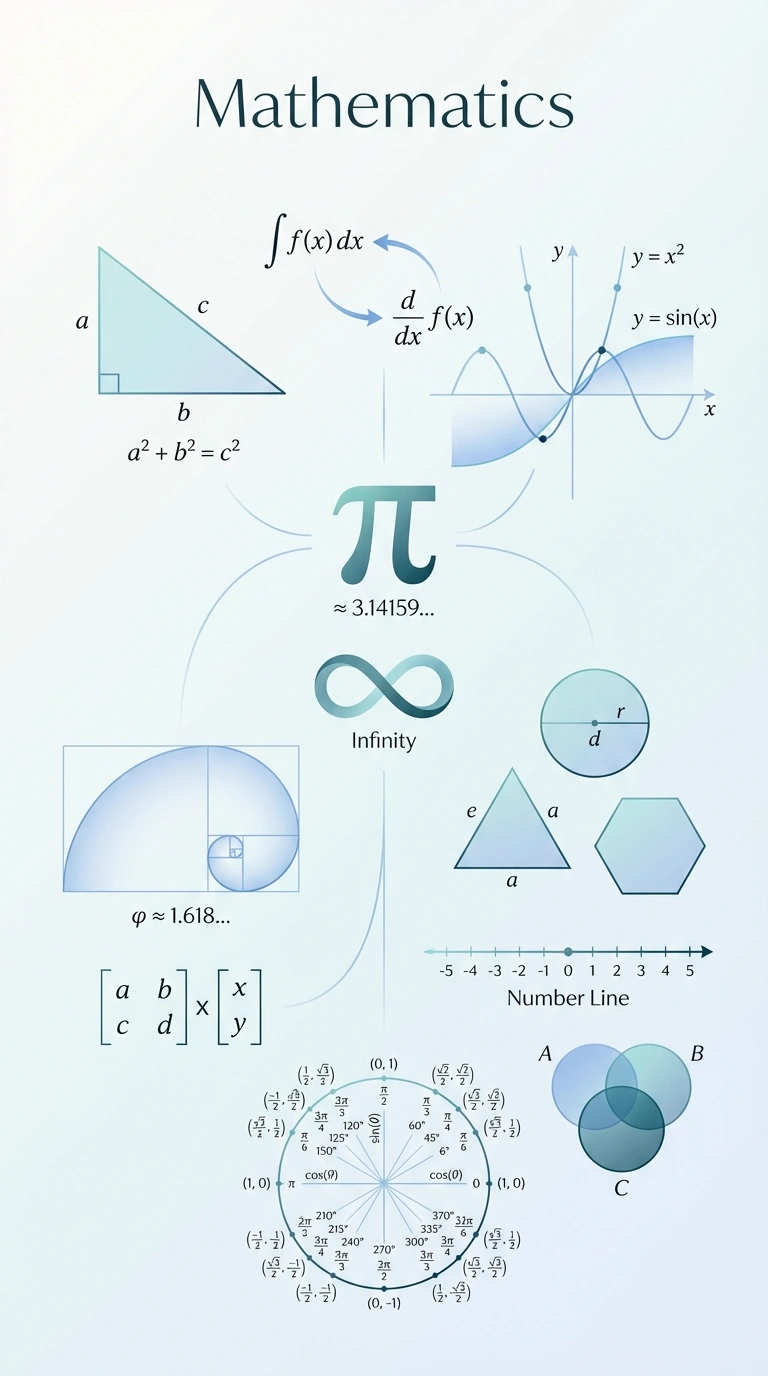
Example: Mathematics infographic generated from lecture notes
How to Create an Infographic from Lectures
Three simple steps to transform your lecture content into visual study guides
1. Upload Content
Upload your lecture recording, notes, images, or PDF. Supports audio, images, and documents.
2. AI Generates Visual
Our AI extracts key concepts and creates a professional infographic with diagrams and icons.
3. Download & Share
Export as PNG, PDF, or WebP. Share on social media, embed in presentations, or print.
Why Use AI to Create Infographics?
Works with Audio Lectures
Upload MP3, WAV, or M4A recordings. AI transcribes and visualizes key points.
Supports Notes & PDFs
Import your handwritten notes, typed documents, or textbook PDFs.
Image Recognition
Upload photos of whiteboards or diagrams. AI extracts and enhances content.
Professional Designs
AI creates visually appealing infographics with proper hierarchy and layout.
Key Concepts Only
AI identifies and highlights the most important information automatically.
Study-Optimized
Infographics designed for learning and retention, not just aesthetics.
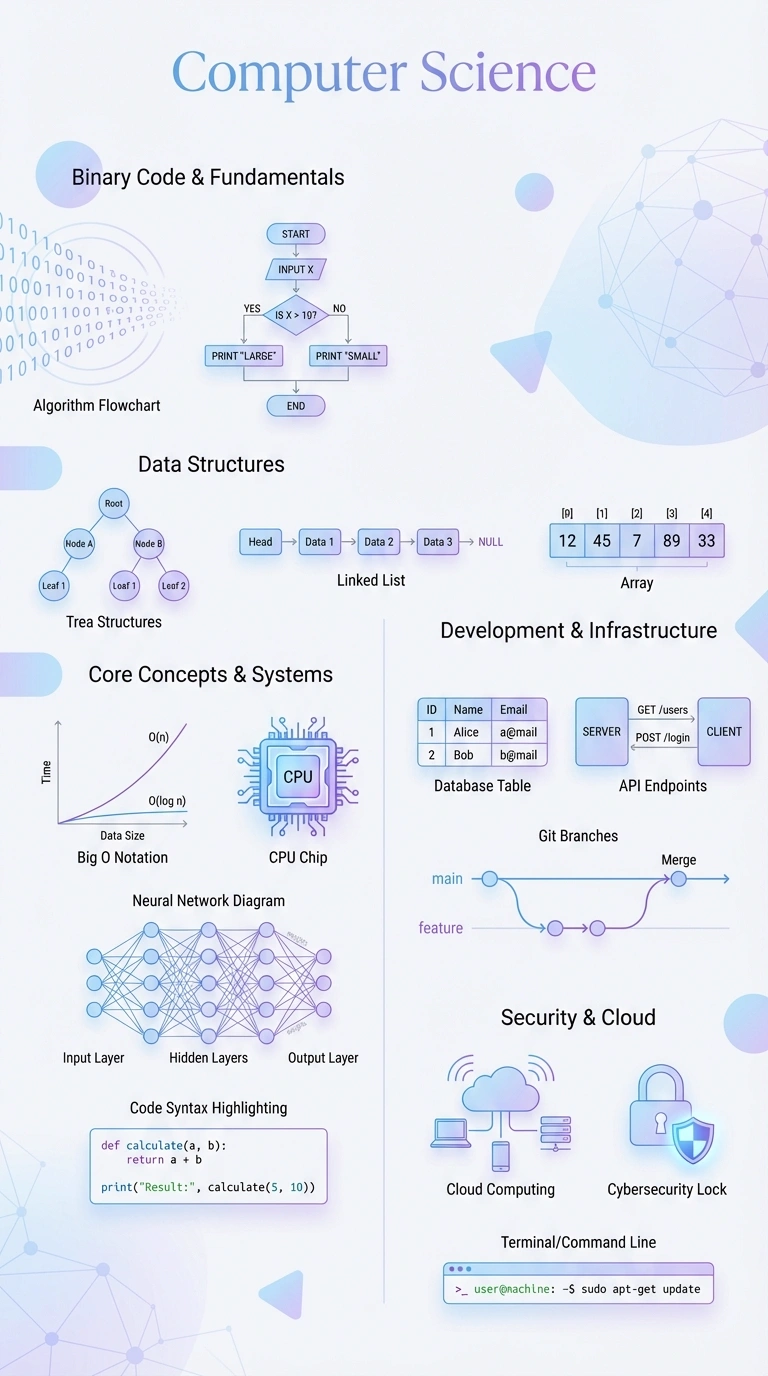
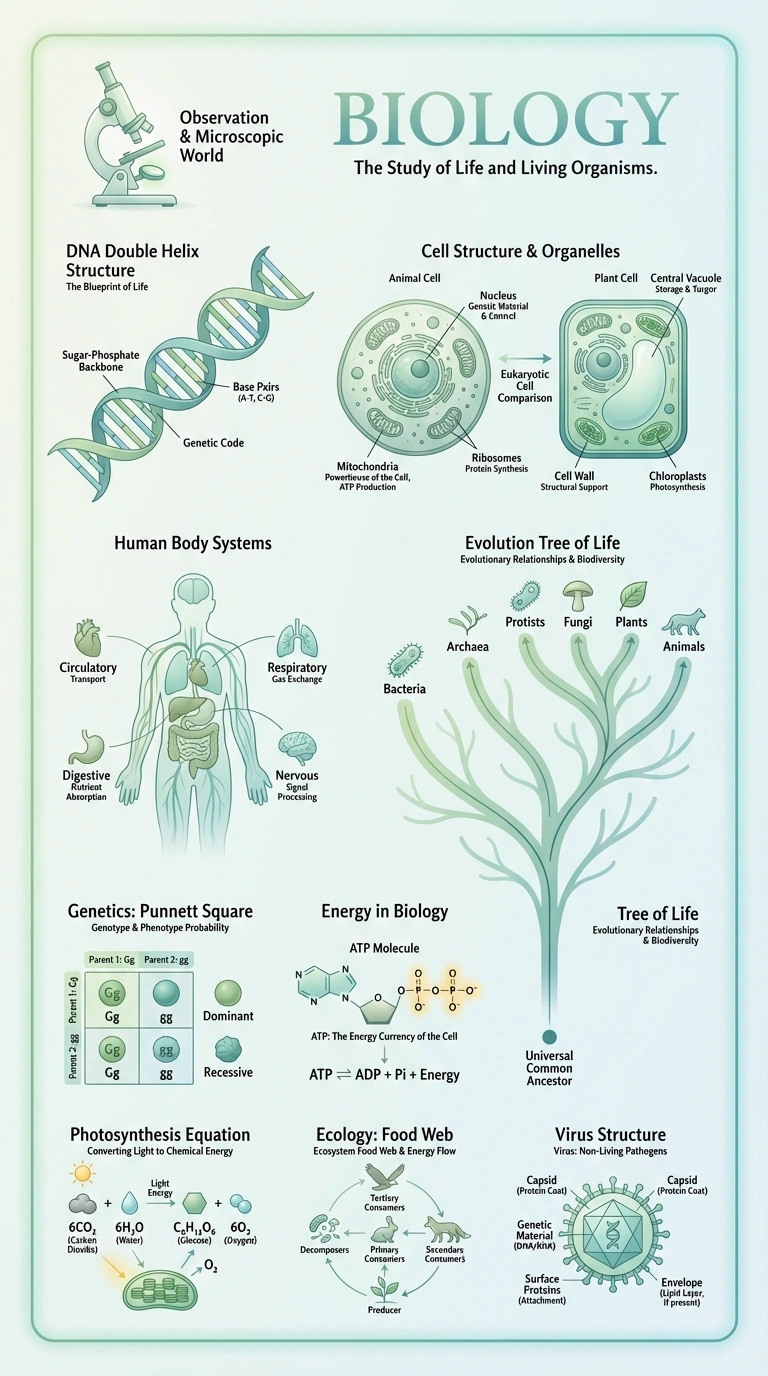
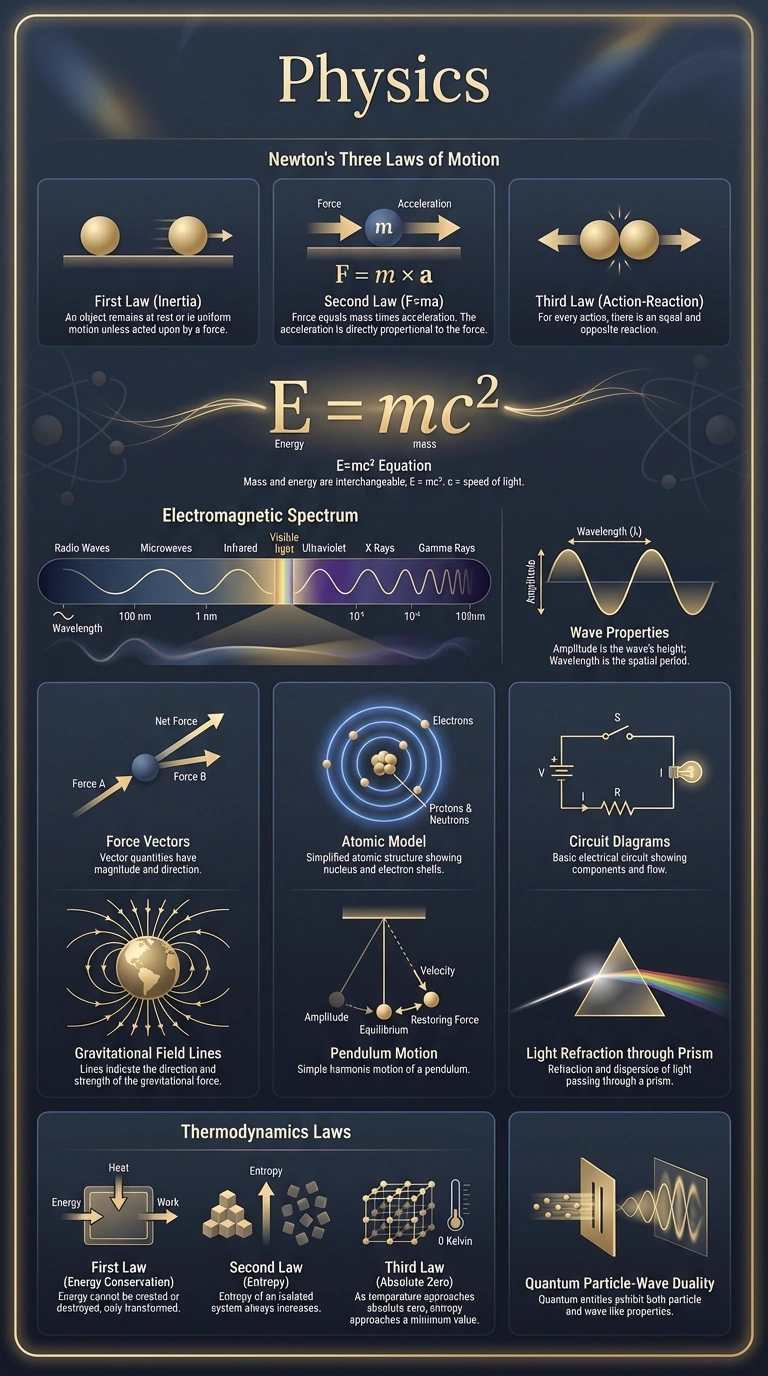
Sample Infographics Created from Lectures
See what you can create: AI-generated infographics from real lecture content

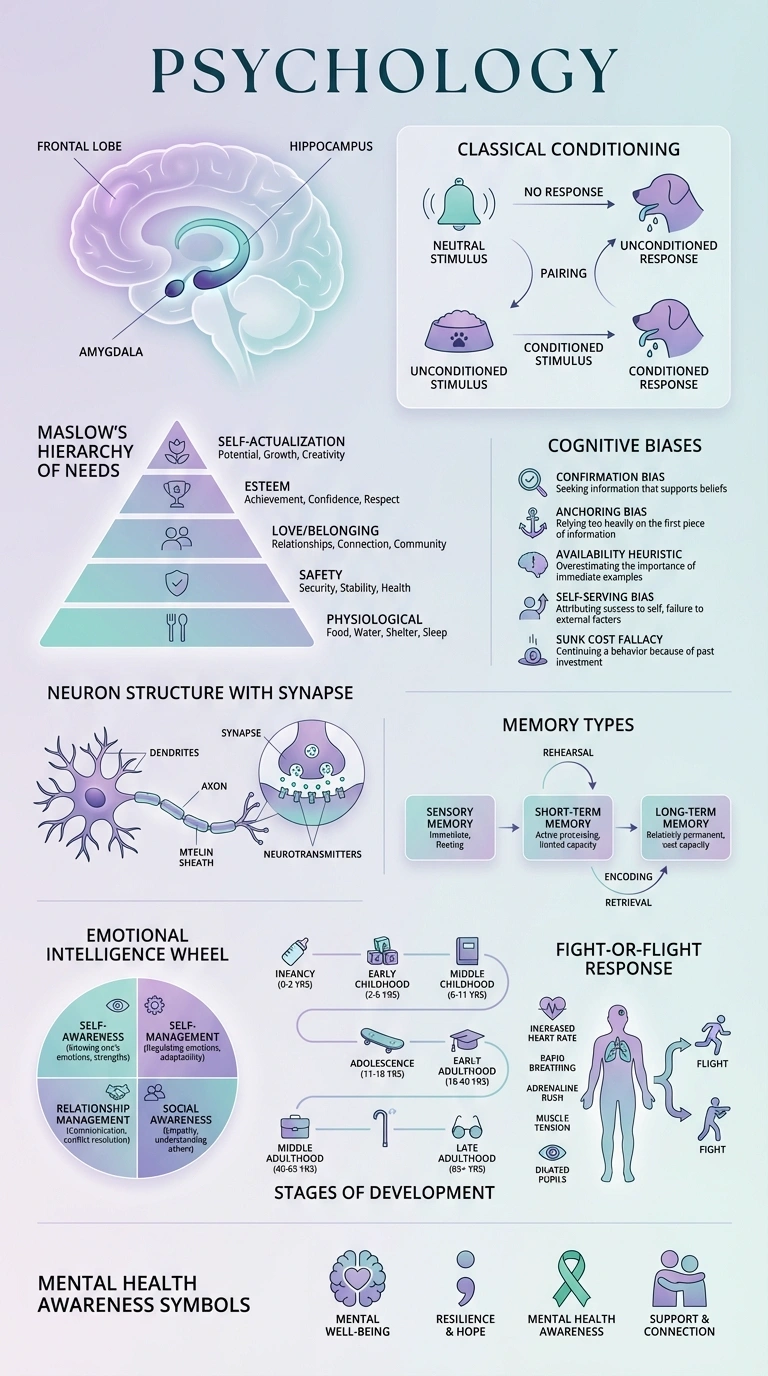
Create Your Own Infographic in Minutes
Upload your lecture recording, notes, or PDF and let AI create a beautiful visual study guide. Join thousands of students improving their study experience.
Frequently Asked Questions
How do I create an infographic from my lectures?
Upload your lecture recording, notes, or PDF to LectureScribe, click "Generate Infographic," and AI will analyze your content and create a visual study guide in about 5 minutes. You can then download or share it.
What makes a good educational infographic?
A good educational infographic focuses on key concepts (not every detail), uses visual hierarchy to guide readers, includes relevant diagrams and icons, has clear readable text, and follows a logical flow. LectureScribe AI applies these principles automatically.
Can I create infographics from audio lectures?
Yes! Upload your lecture recording (MP3, WAV, M4A) and our AI will transcribe the audio, identify key concepts, and generate a visual infographic automatically.
What formats can I export my infographic in?
You can export your infographics as PNG (high resolution), PDF (print-ready), or WebP (optimized for web). All formats are suitable for sharing on social media or embedding in presentations.
Ready to Create Your First Infographic?
Join thousands of students using AI to create visual study guides from their lectures.
Get Started Free